How it works
- Choose your PDF.
- Pick the size the form asks for.
- Tap "Make it smaller" and download.
Good for
- Upload forms with a 100 KB or 200 KB limit
- Scanned certificates and ID copies
- Emailing a big scan
From the makers of these tools
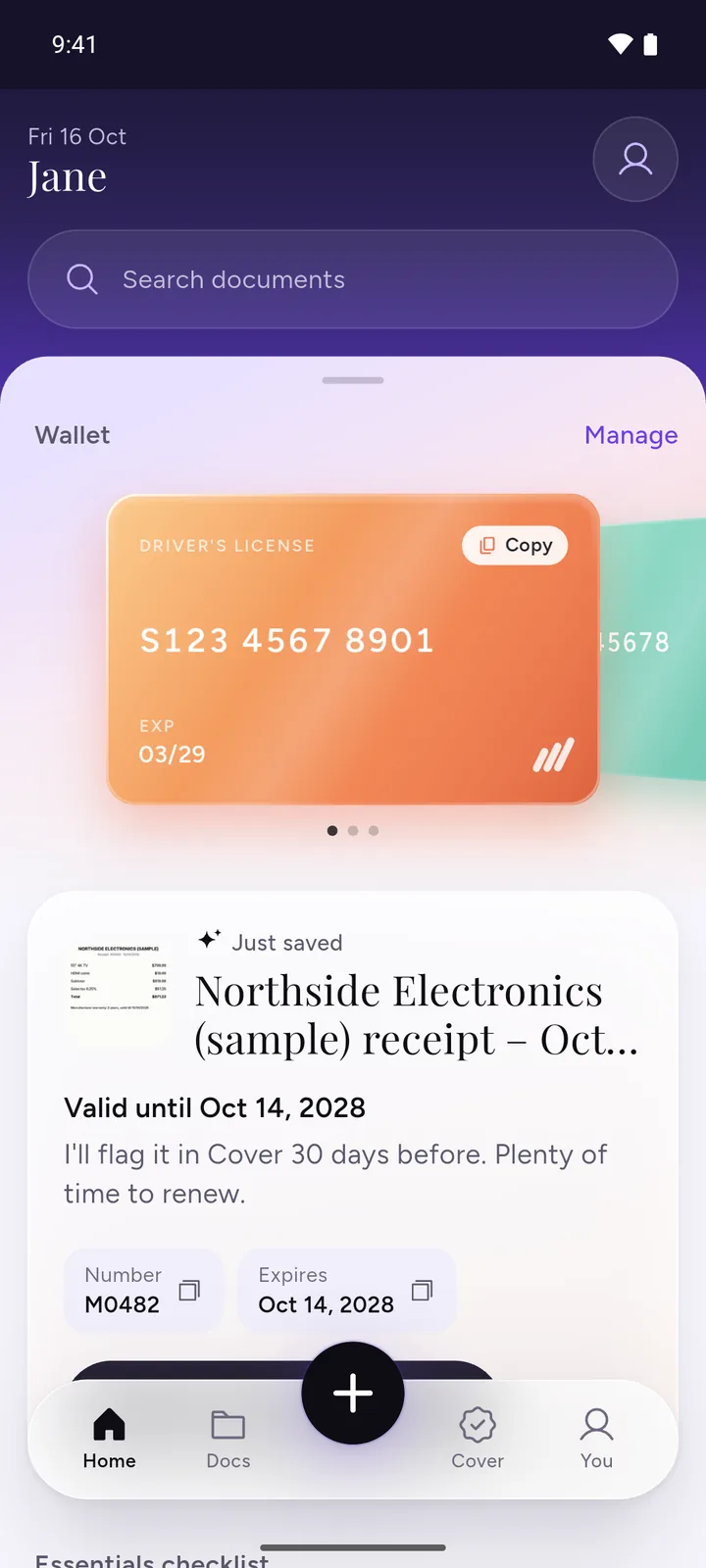
All your documents, safe on your phone
IDs, insurance, bills and warranties in one app, with a reminder before anything expires.
- ScanPoint your camera. It crops the page for you.
- RememberReminders 30, 7 and 1 day before expiry, once you turn them on.
- PrivateEncrypted on your phone. No ads, no sign-up.
 Download DocIt free
How it gets under the size
Each page is drawn as a picture and saved as a JPEG inside a new PDF. It starts sharp (150 dpi) and steps down a little at a time, to 60 dpi at the lowest, and keeps the first copy that fits your size. So you get the sharpest copy the size allows.
Sizes are counted the way upload forms count them: 1 KB is 1,000 bytes, so a "200 KB" copy is at most 200,000 bytes. If even the smallest step is too big, the tool tells you and offers that smallest copy anyway.
Text in the smaller copy becomes part of the page image, so it can't be selected or searched. Your original file is not changed.
Know the size already? Go straight to compress PDF to 100 KB or compress PDF to 200 KB, with notes on the forms that ask for them.
On Android, DocIt makes a saved PDF or photo smaller than 100 KB, 200 KB, 500 KB or 1 MB right on your phone, free. Text in the smaller PDF becomes part of the page picture. Get DocIt on Google Play
Questions
How do I compress a PDF to 100 KB, 200 KB or 500 KB?
Choose your PDF, pick 100 KB, 200 KB, 500 KB or 1 MB, and tap "Make it smaller". It tries the sharpest copy first and keeps the first one that fits, then you download it. This is handy for government forms, job portals and exam portals with an upload limit. Check what else the form asks for before you submit.
Why can't it get my PDF under the size I picked?
Every page needs some space, even at the lowest sharpness. Pages full of photos or dense text need more space. A PDF with many pages may not fit under 100 KB. When that happens, the page says so and shows the smallest size it made. You can download that copy, pick a bigger size, or split the PDF and upload only the pages the form needs. If the form takes images, you can also upload the pages as JPGs instead.
Why can't I select or copy the text after compressing?
To get under the size, each page is saved as a picture. The text becomes part of that picture, so it can't be selected, copied or searched. Links, fillable form fields and bookmarks don't carry over, because each page becomes an image. Your original file isn't changed, so keep it if you need the text.
Is my PDF uploaded?
No. Your PDF is made smaller inside your browser and isn't sent to any server. Once the page has loaded, it keeps working even if you go offline.
Can I compress a password-protected PDF?
Yes. The page asks for the password to open it. The smaller copy has no password, so think about who you share it with.
Is 1 KB 1,000 bytes or 1,024 bytes?
Here 1 KB is 1,000 bytes, so a 200 KB copy is at most 200,000 bytes. Some computers count 1,024 bytes as a KB (sometimes written KiB), so the same file can show a slightly smaller number there. Websites don't all count the same way either. A form that uses 1,024 allows a little more, so a copy made here fits the limit both ways.
Will the quality drop?
Usually a little. It starts at 150 dpi and only steps down when it has to, to 60 dpi at the lowest. The result shows the sharpness it used. Small sizes like 100 KB can make pages look soft, so open the copy and check you can read it before you upload.
Can I compress a PDF on my phone?
Yes. Works in your phone's browser. Very large PDFs can be slow on older phones. If it fails, try fewer pages. On Android, the DocIt app can also make a saved PDF smaller on the phone.
What if my PDF is already under the size?
You'll see "Already under" next to that size. If you pick it anyway, the page tells you and lets you download the original as it is.
What does "Smallest readable" do?
Smallest readable makes the smallest copy that's still readable. If that would save less than 5%, you get your original back.
Related tools
- Split PDFTake out the pages you need.
- Compress image to KBShrink a photo to 20, 50 or 100 KB for a form.
- Merge PDFJoin PDFs into one file.