Keep copies of your ID cards and policies in one place that has its own lock and encryption, not loose in your gallery or in chats. Any app you've given full photo access can read the gallery, and chat backups often go to the cloud. Lock the phone itself with a PIN or fingerprint, keep it updated, and carry the originals when an office asks for them.
Last checked 15 October 2026 against the sources listed at the end of this page.
In brief
- Lock your phone with a PIN or fingerprint and keep it updated. That matters more than any app.
- Don't leave ID copies loose in your gallery or in chats. Any app you've given full photo access can read the gallery, and chats often get backed up to the cloud.
- Keep them in one place that has its own lock and encryption, and carry originals when an office needs them.
Starting from paper? A clear copy matters too; see how to scan documents with your Android phone.
Your options, compared
| Where | Who else can get to it | Works offline | Good for |
|---|---|---|---|
| Gallery / photos app | Any app you allowed to see all photos. Cloud copies too, if photo backup is on | Yes | Nothing sensitive |
| A chat with yourself | Your chat backups. WhatsApp backups are only end-to-end encrypted if you turn that on | Yes, once downloaded | Sending a copy, not storing it |
| Cloud drive folder | Anyone who gets into your account. Files are encrypted on the company's servers, but the company manages the keys | Only files you mark for offline | Backups, with two-step verification on |
| Your government's official ID app | Protected by the app and your account | Varies | Official digital copies that offices accept |
| An encrypted document app | Locked behind the app's own lock; check whether it uploads anything | Usually | Everyday copies of all your documents in one place |
Six habits that keep copies safe
- Lock the phone. Use a PIN, pattern or fingerprint, and install system updates. Every other protection assumes this.
- Give apps only the photos they need. On Android 14 and later, choose "Select photos" instead of "Allow all" when an app asks for your photos.
- Turn on encrypted chat backups, or delete after sending. In WhatsApp, end-to-end encrypted backup is a setting you switch on yourself (Settings, Chats, Chat backup). If you only sent an ID to someone, delete it from the chat afterwards.
- Protect your cloud account. Turn on two-step verification for the account your phone backs up to. A leaked password opens everything in it.
- Share less than the whole card. When someone only needs to see a document, show it rather than sending it. When you must send it, crop out what they don't need.
- Clear out old copies. Delete expired IDs and duplicates from Downloads, the gallery and old chats every few months.
What a copy can and can't do
A photo or scan on your phone is a convenience. It helps you fill in forms and answer "what's your policy number?" in seconds. It is not an official document. Some offices accept only the original or an official digital copy from the issuer, so carry those when a rule requires them.
A passport copy is a good example: you can't travel on it, but it puts the number and expiry date in front of you when you plan a trip. Here is when to renew your passport, and why six months left may not be enough.
How DocIt handles this
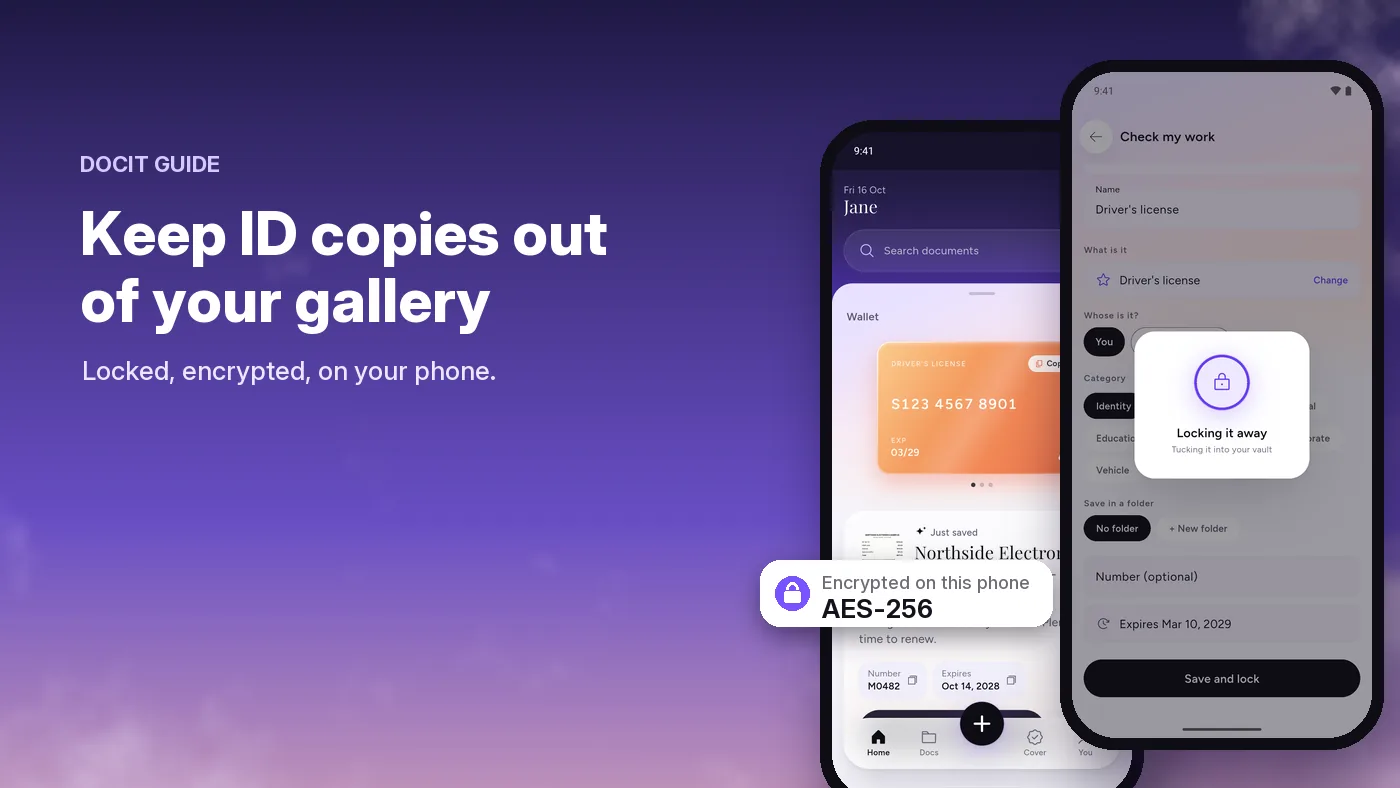
DocIt is the encrypted-app option. It scans a document, reads the details on your phone and saves the file encrypted with AES-256, with the key kept in Android's secure keystore. You can lock the app with your fingerprint or PIN. There is no DocIt account and no DocIt server. It has limits too, and we list them openly.
DocIt is free on Android, in the US, UK, Canada, Australia and seven more countries.
How DocIt protects your documents, and its limits · The DocIt document wallet · Warranty claims: what to keep · A checklist of important documents to keep