How it works
- Choose two or more PDFs.
- Put them in order.
- Tap "Merge PDFs" and download.
Good for
- Visa forms that take only one file
- ID and payslips for a rental application
- A claim form and receipts in one PDF
From the makers of these tools
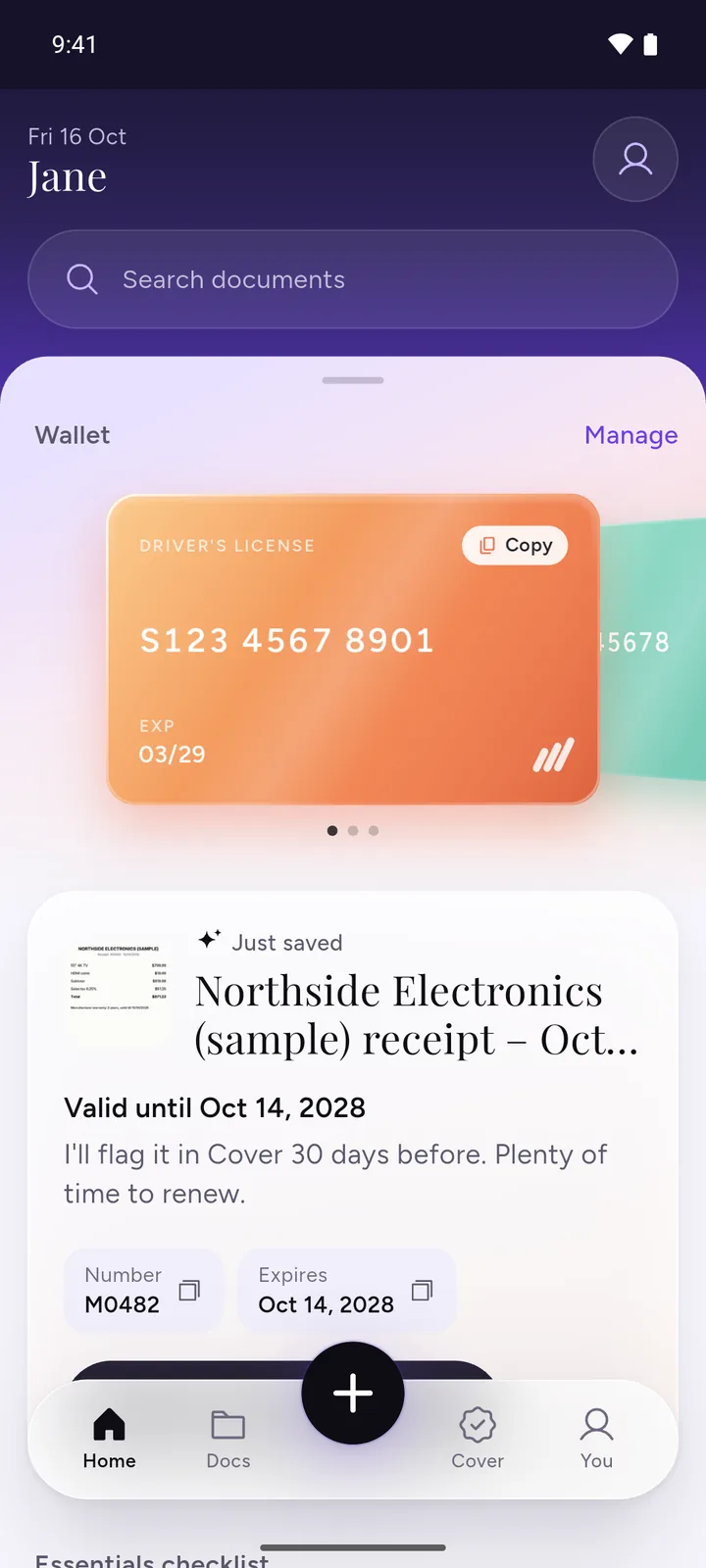
All your documents, safe on your phone
IDs, insurance, bills and warranties in one app, with a reminder before anything expires.
- ScanPoint your camera. It crops the page for you.
- RememberReminders 30, 7 and 1 day before expiry, once you turn them on.
- PrivateEncrypted on your phone. No ads, no sign-up.
 Download DocIt free
Questions
Is it safe?
Yes. Your files stay on your device and nothing is uploaded.
Is there a watermark?
No. No watermark and no sign-up.
Why won't my PDF open?
It probably has a password. Open it, save a copy without the password, then add that copy.
Can I merge a PDF and a JPG?
Yes, in two steps. Turn the JPG into a PDF with JPG to PDF, then merge the two PDFs here.
Does merging lower the quality?
No. Pages are copied as they are.
Related tools
- Compress PDF to KBMake a PDF smaller than 100 KB, 200 KB, 500 KB or 1 MB for a form.
- Split PDFTake out the pages you need.
- Rotate, delete or reorder PDF pagesFix sideways pages, delete or reorder them.