
How it works
- Pick the language of the text.
- Choose one or more images.
- Copy the text or download it.
Good for
- Typing out a notice or letter you photographed
- Copying an address or number from a screenshot
- Getting the words out of a scanned page
From the makers of these tools
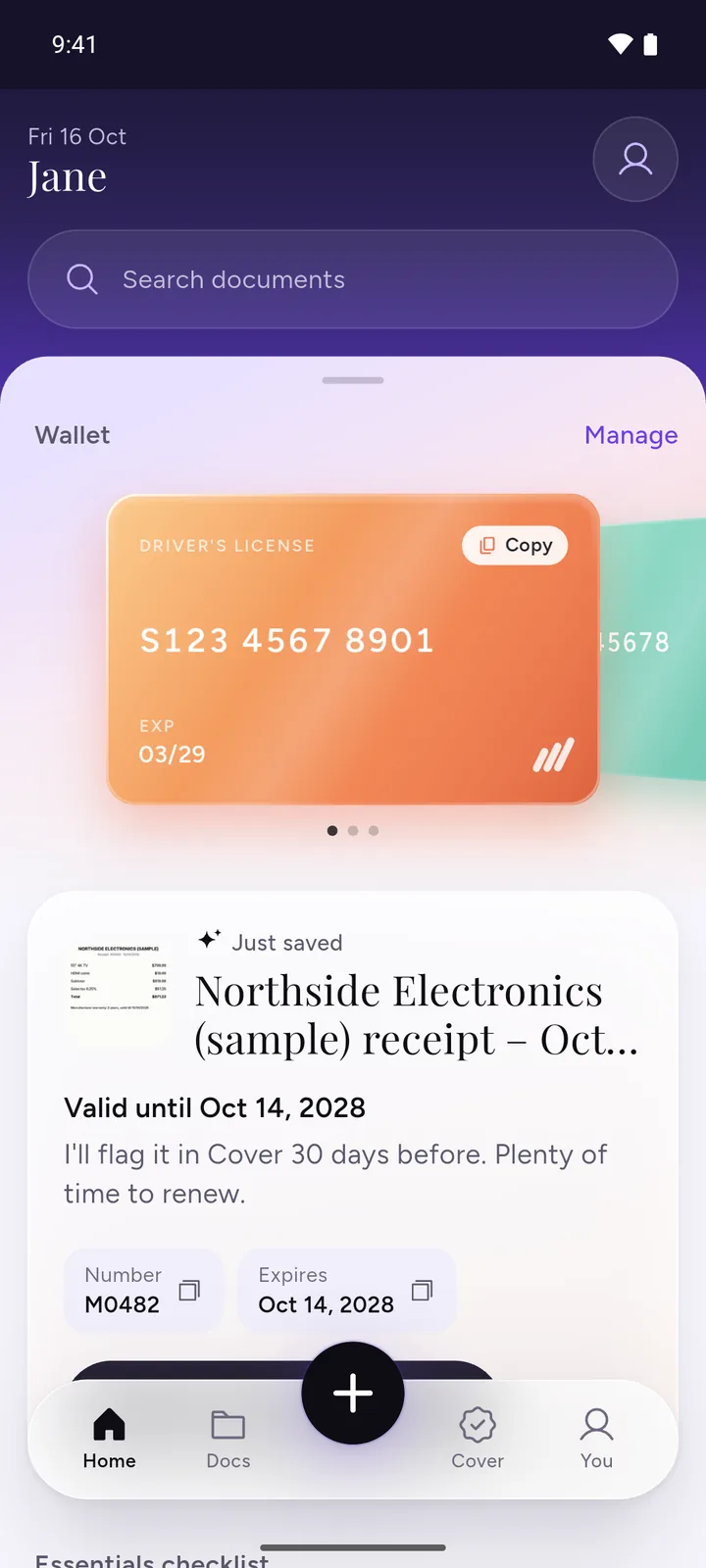
All your documents, safe on your phone
IDs, insurance, bills and warranties in one app, with a reminder before anything expires.
- ScanPoint your camera. It crops the page for you.
- RememberReminders 30, 7 and 1 day before expiry, once you turn them on.
- PrivateEncrypted on your phone. No ads, no sign-up.
 Download DocIt free
Tips for better results
- Hold the phone straight over the page, not at an angle, and let the text fill most of the photo.
- Use good light without shadows or glare. Daylight from a window works well.
- Wait for the camera to focus. A sharp photo matters more than a big one.
- Keep "Clean up first" ticked. It turns the image grey and enlarges small images, which helps with most photos and scans. If a result looks poor, untick it and tap "Read again with these settings".
- It's made for printed or typed text, like letters, notices, receipts, forms and screenshots.
Before you use the text, read it through. Fix wrong words in the box, and look closely at numbers, dates and spellings of names.
Hindi and English text
For a page with printed Hindi, choose "Hindi and English" before you pick the image. It reads Hindi and English together, which suits notices and forms that mix both. For text that's only in English, keep "English" selected: the Hindi and English mode can misread English digits.
iPhone photos and PDFs
iPhone photos are often saved as HEIC. This page tries to open them in your browser. If yours won't open, change it to JPG with HEIC to JPG and pick the JPG here. For a PDF, save its pages as images with PDF to JPG first.
What happens to your images
This page runs Tesseract, a long-standing open-source text reader, inside your browser tab. The first time you pick an image, it downloads the reader and the English language file from this site, about 4.5 MB (5.9 MB with Hindi). Later visits load them from your browser's cache, so they start faster. Your images are read on your own device and never sent anywhere. Close the tab and they're gone.
On Android, DocIt copies text from your scans, photos and PDFs on the phone. The app reads English and other languages written in the same alphabet; the Hindi option is only on this web page. Get DocIt on Google Play
Questions
How do I copy text from an image?
Pick the language, then choose your image. After a few seconds the text shows up in a box. Tap "Copy text" and paste it wherever you need it, or tap "Download .txt" to save it as a file. You can fix any wrong words in the box first.
Is my photo uploaded anywhere?
No. The text is read inside your browser tab, on your own device. Your images aren't sent to us or anyone else, and nothing is saved after you close the tab.
Can it read Hindi?
Yes, printed Hindi. Choose "Hindi and English" before you pick the image, and it reads both on the same page. If the text is only in English, keep "English" selected. In the Hindi and English mode, English numbers can come out wrong, for example a 1 read as a 4.
Why are some words wrong?
Blur, shadows, glare, very small print and photos taken at an angle all make letters harder to read. A sharp photo taken straight on in good light gives the best result. Even then some words may be wrong, so check names, dates and numbers before you use the text.
Can I turn several photos into text at once?
Yes, up to 20 at a time. They're read in order of file name, and each image gets its own heading in the text, so you can tell where one ends and the next begins.
Can I copy text from a PDF?
Not directly. This page reads images. Save the PDF pages as images with PDF to JPG, then pick those images here. If the PDF already has selectable text, you can usually copy it straight from your PDF viewer.
Related tools
- HEIC to JPGConvert iPhone HEIC photos to JPG that any form accepts.
- PDF to JPGSave each page of a PDF as a JPG image.
- JPG to PDFTurn photos (JPG, PNG or WebP) into one PDF.