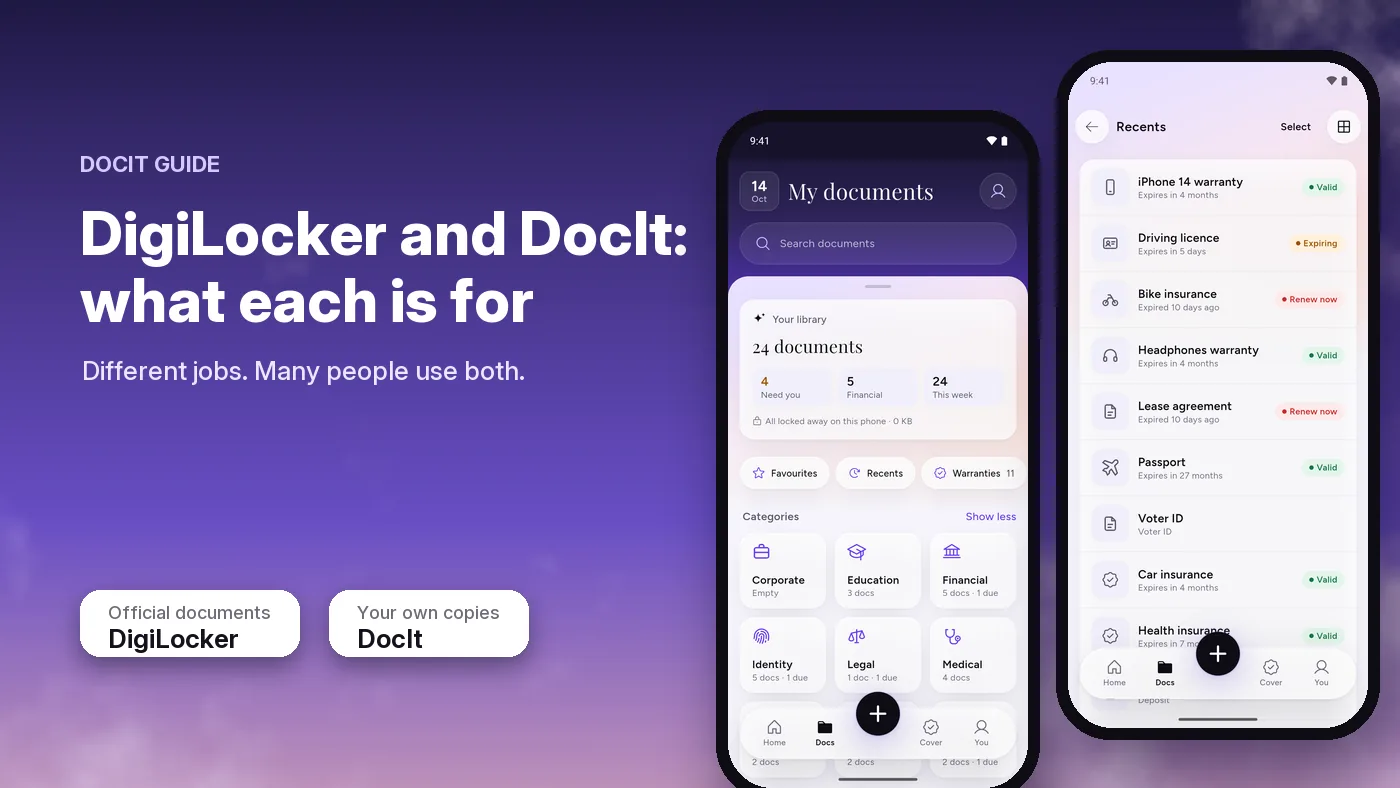
Use DigiLocker for documents a government body or other registered issuer puts into your account, such as your driving licence or RC. Under India's DigiLocker Rules, those issued documents can be accepted like the originals. Use DocIt, which we make, to keep your own copies of any document on your phone, including bills, insurance policies and warranties, with their expiry dates watched. DocIt copies are not official documents.
Last checked 17 October 2026 against digilocker.gov.in, the DigiLocker Rules and the transport ministry advisory listed at the end of this page.
What DigiLocker is
DigiLocker is a Government of India platform, run by the National e-Governance Division under the Ministry of Electronics and IT as part of Digital India. Its own site calls it a secure, cloud-based platform for storing, sharing and verifying documents and certificates. You sign up, verify yourself and then fetch documents from the departments and organisations that issue them. The site lists more than 70 crore registered users and more than 900 crore issued documents. It has apps on Android and iPhone.
Why issued documents count
The legal basis is rule 9A of the DigiLocker Rules, added on 8 February 2017. It lets issuers issue, and requesters accept, digitally signed documents shared from your DigiLocker account "at par with the physical documents". When an issuer has pushed a document into DigiLocker and someone opens it through its link, the rule treats it as shared by the issuer directly, and the link leads back to the issuer for automatic checking.
For vehicles, the transport ministry wrote to every state on 8 August 2018 that a licence, RC or other certificate pulled into DigiLocker or the mParivahan app is "deemed to be legally recognised at par with the original documents" under the IT Act, 2000. What to carry in the car, and why
Issued is the key word
DigiLocker also lets you upload files yourself. Rule 9A talks about documents an issuer has issued or pushed into DigiLocker. A file you upload yourself, a photo in your gallery or a scan in any app is not an issued document. That includes copies kept in DocIt.
What DocIt is for
Many of the documents a family looks after don't come from an issuer on DigiLocker: shop bills, warranty cards, rent agreements, school fee receipts. Others, such as insurance policies, depend on whether the insurer issues them there. DocIt is an Android app for keeping your own copies of any of these, together with your IDs, on your phone.
- Any document. Scan up to 20 pages into one PDF, or import photos and PDFs you already have.
- Reads it for you. DocIt reads the document on the phone and fills in the name, ID number and expiry date. You check them, name it or pick its type, and tap Save.
- Watches dates. Each document shows Valid, Expiring or Renew now, and, when you turn reminders on, your phone reminds you 30, 7 and 1 day before an expiry date. No sign-in needed.
- A shelf for bills. Keep bills and invoices on their own shelf. A warranty or valid-till date is read when it is printed on the bill.
- Works offline. Reading, finding and opening documents need no internet. The scanner is Google's: it needs Google Play services and a one-time download the first time you use it.
- Encrypted on this phone. Files are encrypted with AES-256 and the app can be locked with your fingerprint or PIN. There is no sign-up and no ads, and we have no server, so your documents never reach us. Details and limits
DocIt is independent. It is not a government app and is not connected to DigiLocker, mParivahan, UIDAI or any issuing body. It is free on Google Play in India and 10 more countries, for Android phones only.
Side by side
| DigiLocker | DocIt | |
|---|---|---|
| Who runs it | Government of India (MeitY, NeGD) | An independent app maker in Mumbai |
| Main job | Official digital documents from the bodies that issue them | Your own copies of any document, with dates watched |
| Legal standing | Issued documents can be accepted like originals (rule 9A) | Copies only, not official documents |
| Where files are kept | A government cloud platform | Encrypted on your phone; DocIt has no server |
| Account | Sign up and verify yourself | Not needed |
| Phones | Android, iPhone and web | Android only, on Google Play in India and 10 more countries |
DigiLocker details from its own site and app listing, checked 17 October 2026. DocIt details from our own app, version 2.2.3.
When to use which
- A traffic officer or an office asks for an official document: show the original or the issued copy in DigiLocker or mParivahan. Not a photo, and not a DocIt copy.
- A department or company asks to verify a certificate: share it from DigiLocker, if the issuer is on DigiLocker.
- You need a document that isn't in DigiLocker, such as the shop bill for a warranty claim: keep it in DocIt.
- You want to know what is about to expire across IDs, insurance and vehicle documents: DocIt shows the status and reminds you before the date.
- You need an ID number for a form, or a copy to send: once an ID is saved as that type of document, DocIt lets you copy the number with a tap, even offline, and share a document in two taps. Check whether the form or office accepts a copy.
How to use both together
- Pull the official ones into DigiLocker first. Fetch your IDs, driving licence, RC and certificates from issuers that are on DigiLocker. That is your proof when someone needs the real thing.
- Keep everything else in DocIt. Scan or import bills, warranties, insurance policies and the family's other documents, and sort them into folders.
- Add your IDs to DocIt too, if you like. A copy there gives you the expiry status, reminders and the ID number to copy, even with no signal. It stays a copy: when an officer asks, open DigiLocker or mParivahan.
- Let the reminder send you to the official source. When DocIt reminds you that a licence or policy is due, renew it with the issuer or insurer. Once the new one is issued, fetch it into DigiLocker again and save a fresh copy in DocIt.
Important documents checklist · Where to keep your important documents on your phone · DocIt as a private document wallet · DocIt: the facts
What DocIt doesn't do
- It doesn't fetch documents from DigiLocker or any issuer, and its copies can't be verified by an office.
- It doesn't renew anything for you. It tells you what is due and when.
- Search covers a document's name, type, ID number and description, not every word inside it.
- It reads English-style (Latin) script only, not Hindi or other Indian scripts. Password-protected PDFs can't be read yet.
- For motor policies, check the expiry date DocIt fills in before you save.
- No iPhone app. Android only, on Google Play in 11 countries.
Sources
All checked on 17 October 2026.
- DigiLocker official site (who runs it, what it is, registered users and issued documents)
- IT (Preservation and Retention of Information by Intermediaries Providing Digital Locker Facilities) Rules, 2016, G.S.R. 711(E), and Amendment Rules, 2017, G.S.R. 111(E), rule 9A (PDF)
- Ministry of Road Transport and Highways advisory, 8 August 2018: documents in DigiLocker or mParivahan (PDF)
- DigiLocker on Google Play and on the App Store