
The e-Aadhaar password is the first four letters of your name in CAPITAL letters, followed by your year of birth in four digits (YYYY). Use the name exactly as it is printed on your Aadhaar. For SURESH KUMAR born in 1990, the password is SURE1990. There is no space between the letters and the year.
Checked 3 November 2026 against UIDAI's e-Aadhaar FAQ.
Work out your password in three steps
- Find your name as Aadhaar prints it. Look at an old printout, the Aadhaar letter or your PVC card. The spelling on Aadhaar is what counts, not how you write your name elsewhere.
- Take the first four characters in capitals. Skip spaces. A dot after an initial counts as a character.
- Add your year of birth. Four digits, such as 1990. Not the full date.
These are UIDAI's own examples, with what each one shows:
| Name on Aadhaar | Year of birth | Password | What it shows |
|---|---|---|---|
| SURESH KUMAR | 1990 | SURE1990 | The first four letters, then the year |
| SAI KUMAR | 1990 | SAIK1990 | The space is skipped, so the K of KUMAR is the fourth letter |
| P. KUMAR | 1990 | P.KU1990 | The dot counts as one of the four characters |
| RIA | 1990 | RIA1990 | A name shorter than four letters is used in full |
Examples from UIDAI's Aadhaar Online Services FAQ, checked 3 November 2026.
"Incorrect password"? Check these
Almost every failed attempt comes down to one of these. Go through them in order.
| Check | What to do |
|---|---|
| Capital letters | Type the letters in capitals. Phone keyboards often capitalise only the first letter, so you end up with Sure1990. Turn on caps lock and type it again. |
| Name spelling | Use the spelling on Aadhaar. If your Aadhaar says MOHAMMED and you tried MOHD, that's the problem. If you changed your name on Aadhaar, use the name as it was when you downloaded this file. |
| Spaces | Leave them out. A name like SAI KUMAR gives SAIK, with no space. |
| Initials and dots | If your name starts with an initial and a dot, as in P. KUMAR, the dot is one of the four characters: P.KU. |
| Year, not date | Use only the four-digit year. 15081990 is the wrong shape for e-Aadhaar. |
| Right file | Make sure it is the Aadhaar PDF. An e-PAN PDF uses a different password: your date of birth as DDMMYYYY. |
| Damaged download | If the file says it is damaged or won't load at all, the download may have stopped partway. Download it again from myAadhaar or the Aadhaar app. |
Don't know your Aadhaar spelling or year, and have no printout? Our Aadhaar card download guide covers getting a fresh e-Aadhaar, ordering the PVC card and finding a lost Aadhaar number.
How to open e-Aadhaar on your phone or computer
- Android: tap the downloaded file in your Files or Downloads app. Your phone's PDF viewer opens it and asks for the password. Type it and the card shows.
- iPhone: open the file from the Files app. It asks for the password before it shows the page.
- Computer: open it in a browser or a PDF reader. UIDAI asks people to use the latest version of Adobe Reader to view e-Aadhaar.
UIDAI signs every e-Aadhaar digitally. If someone wants proof that your copy is genuine, UIDAI recommends opening it in the latest Adobe Acrobat Reader on Windows or macOS to check the signature.
A form won't take the locked PDF
Some upload pages refuse a password-protected PDF, or want a file under 100 KB or 200 KB. You need a copy without the password, and often a smaller one too.
Is the password the only problem? The free unlock PDF tool makes a copy that opens without a password, with the same pages, text and quality. Type your e-Aadhaar password when it asks. The file and the password stay in your browser and aren't uploaded. Keep the original if you need the signature verified. Need the file smaller as well? Use the compress tool instead:
- Open the free compress PDF tool and choose your e-Aadhaar.
- Type the password when it asks. It is checked in your browser; the file is never uploaded.
- Pick the size the form allows and tap "Make it smaller". The copy you download has no password.
Two things to know. Text in the smaller copy becomes part of the page picture, so you can't select it. And the copy is no longer UIDAI's signed file, so keep the original. If the form wants an image instead of a PDF, turn the PDF into a JPG the same way.
Only sharing your Aadhaar to show who you are? A masked Aadhaar hides the first 8 digits and shows only the last 4. UIDAI offers it only as an e-Aadhaar, so choose it when you download.
Other things people call an "Aadhaar password"
| Where | What it asks for |
|---|---|
| e-Aadhaar PDF | First four letters of your name in capitals plus your year of birth |
| myAadhaar website | No fixed password. You log in with an OTP sent to the mobile number registered with your Aadhaar |
| Aadhaar app | A 6-digit PIN you set yourself when you register in the app |
| e-PAN PDF (not Aadhaar) | Your date of birth as DDMMYYYY, for example 15081990 for 15 August 1990 |
For the e-PAN, see PAN card: apply online and download e-PAN.
Keep your e-Aadhaar on your phone
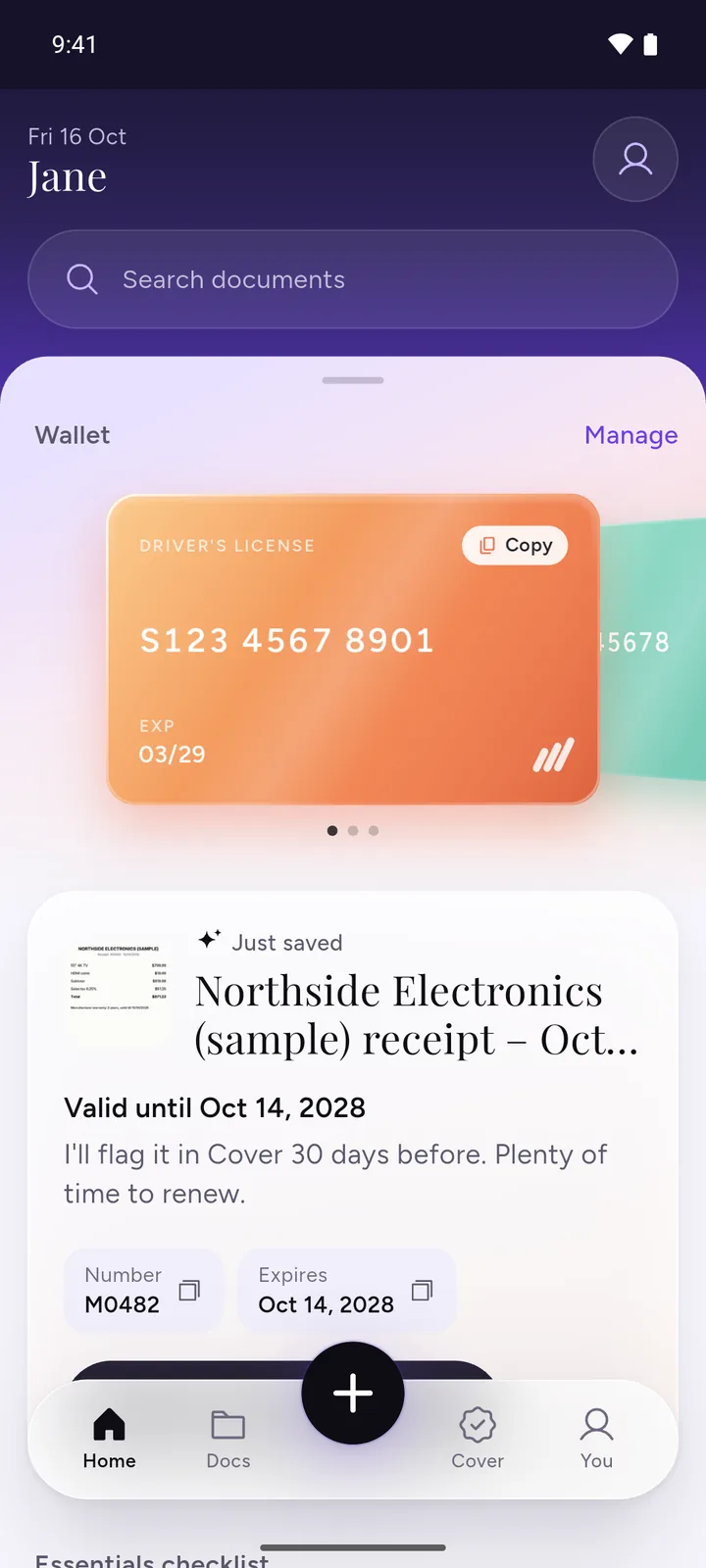
We make DocIt, so weigh this part with that in mind. If you open your e-Aadhaar often, keeping it in a document app saves the hunt through your Downloads folder.
- Import your e-Aadhaar PDF into DocIt. Enter its password and DocIt opens it. Your e-PAN works the same way.
- Search your documents by name to find it later.
- Documents are encrypted on this phone (AES-256), and you can lock DocIt with your fingerprint or phone PIN.
DocIt is free to download on Google Play, Android only.
Questions
What is the password of e-Aadhaar?
The first four letters of your name in capital letters, followed by your year of birth in four digits. For SURESH KUMAR born in 1990, it is SURE1990. This comes from UIDAI's own FAQ.
Is the password my date of birth?
Only the year, not the full date. For someone born on 15 August 1990, the year part is 1990. The full date of birth (as DDMMYYYY) is the password for the e-PAN PDF, not e-Aadhaar.
Do I use small or capital letters?
Capitals. sure1990 will not open the file; SURE1990 will.
I forgot the password. Can I reset it?
There is nothing to reset. The password is not something you chose: it is made from the name and year of birth on your Aadhaar. Work it out again with the steps on this page.
Is a copy without the password still valid?
UIDAI says the downloaded e-Aadhaar is digitally signed and as valid as other forms of Aadhaar. A copy you make, whether smaller or without the password, is no longer UIDAI's signed file. Keep the original and use a copy only where a form needs one.
Related
- Aadhaar card download: e-Aadhaar, masked Aadhaar and the PVC card
- Unlock PDF: a copy without the password, same pages and quality (you need the password)
- Compress PDF: a smaller copy under 100 KB, 200 KB, 500 KB or 1 MB
- DigiLocker: what it is and what it can't do
Sources
- UIDAI FAQs: Aadhaar Online Services (e-Aadhaar password and examples, Adobe Reader, digital signature, validity, masked Aadhaar), checked 3 November 2026
- UIDAI FAQs: Aadhaar app (6-digit PIN), checked 3 November 2026
- UIDAI FAQs: Your Aadhaar (myAadhaar login with OTP), checked 3 November 2026
- Protean: how to download your e-PAN, and the PDF password (date of birth as DDMMYYYY), checked 3 November 2026