How it works
- Choose your PDF.
- 200 KB is already picked.
- Tap "Make it smaller" and download.
Good for
- Forms with a 200 KB upload limit
- A multi-page scan, like a mark sheet set or a filled form
- Keeping small print sharper than at 100 KB
From the makers of these tools
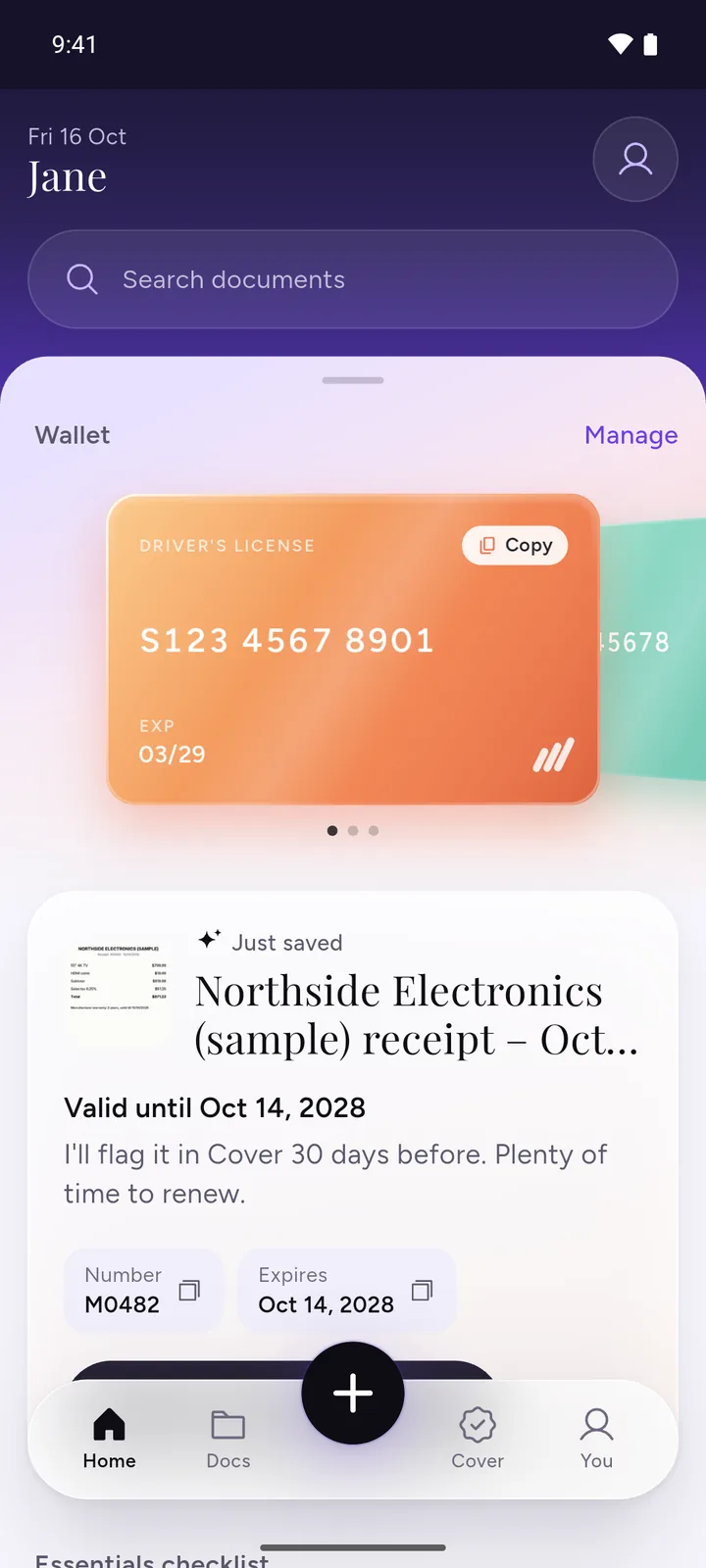
All your documents, safe on your phone
IDs, insurance, bills and warranties in one app, with a reminder before anything expires.
- ScanPoint your camera. It crops the page for you.
- RememberReminders 30, 7 and 1 day before expiry, once you turn them on.
- PrivateEncrypted on your phone. No ads, no sign-up.
 Download DocIt free
Forms that usually ask for 200 KB
Some forms say 200 KB outright. Others give a range or a 300 KB cap, and since the tool has no 300 KB option, 200 KB is the preset to use. Three examples, read in the official instructions on 3 November 2026:
- NEET (UG) 2026. The NTA information bulletin asks for the category certificate, Class X certificate and marks sheet, address proof and any disability certificate as PDFs between 50 KB and 300 KB.
- SGPGIMS Lucknow's online application portal takes certificates only as PDFs between 50 KB and 200 KB, and says text, signatures and stamps must be clearly visible.
- Odisha State Open University's online admission instructions allow educational, category and disability certificates as a JPG or PDF of up to 300 KB.
Two of these set a lower limit as well as an upper one, so a file can be rejected for being too small. Limits change from year to year. Check the notice for the form you're filling.
How to check the file size on your phone
The quickest check is on this page. Choose your PDF above: if it's already under the limit, "Already under" shows next to 200 KB. After compressing, the result shows the new size, which is the size of the file you download.
To check the downloaded copy itself, open your phone's file app. In Files by Google on Android, tap More next to the file, then File info. On an iPhone, touch and hold the PDF in the Files app and open its info. For a form with a range, make sure the number sits between the two limits.
Here 1 KB is 1,000 bytes, as on most forms. Some phones and computers count 1,024 bytes as a KB, so they show a slightly smaller number for the same file.
If it won't fit under 200 KB
- If the form has separate upload boxes, split the PDF and put each part where it belongs. Each part then has its own 200 KB.
- If it wants one document, send only the pages it asks for and leave out blank backs and covers.
- Pick 500 KB in the tool above if the form allows it. Not every form does, so check first.
The tool already steps down from 150 dpi to 60 dpi to fit. If even 60 dpi is too big, it offers that smallest copy and tells you. If your form's limit is 100 KB, use compress PDF to 100 KB instead.
Need a different size?
You can pick 100 KB, 500 KB or 1 MB in the tool above, or use the general Compress PDF tool, which explains how it gets a PDF under each of these sizes. A PDF with a password opens once you type the password. To take the password off without making the file smaller, use Unlock PDF.
Have several forms to fill? DocIt, our free Android app, keeps your documents on your phone and makes a saved PDF or photo smaller than 100 KB, 200 KB, 500 KB or 1 MB. Text in the smaller PDF becomes part of the page picture. Get DocIt on Google Play
Questions
The form says between 50 KB and 300 KB. Is 200 KB right?
Yes. The tool has no 300 KB option, and 200 KB is the largest preset under that limit. After it's done, check that the size shown is above 50 KB too, because a form with a range also turns away files that are too small.
Should I pick 200 KB or 100 KB?
Pick the limit the form gives. A 200 KB copy has twice the room, so it can stay sharper or hold more pages. Going smaller than the form needs only makes the pages softer.
How sharp will a 200 KB PDF be?
It starts at 150 dpi and keeps the first copy that fits, going down to 60 dpi only if it has to. The result shows the sharpness it used. Each page is saved as a picture, so the text becomes part of the page image and can't be selected afterwards.
Can I fit a few pages in one 200 KB PDF?
Often, yes, but it depends on what's on them. Plain printed pages take less room than photos or colour scans. Try it and look at the result. If the form has a separate upload box for each document, upload them separately, since each box gets its own 200 KB.
What if it still can't get under 200 KB?
The page tells you and shows the smallest size it made, and you can download that copy. To get under, send fewer pages: split the PDF and upload only the pages the form asks for. If the form allows 500 KB, pick that instead.
Related tools
- Compress PDF to KBMake a PDF smaller than 100 KB, 200 KB, 500 KB or 1 MB for a form.
- Split PDFTake out the pages you need.
- Merge PDFJoin PDFs into one file.