
A PAN (Permanent Account Number) looks like ABCPE1234F, which is a made-up example. Characters 1 to 3 are a letter series. The 4th letter shows who holds the PAN: P is a person, C a company, H an HUF, F a firm. The 5th letter is the first letter of a person's surname. Then come four digits and a check letter. If you lost your card, look for the number on your old tax papers first. If you got your PAN through Instant e-PAN, you can see it again on the e-filing portal with your Aadhaar and an OTP. You can also call the Income Tax helpline. Don't apply for a second PAN.
The PAN number format, character by character
Take the made-up PAN ABCPE1234F. Protean, one of the two agencies that issue PAN cards for the Income Tax Department, explains the ten places like this:
| Place | In the example | What it means |
|---|---|---|
| Character 1 to 3 | A B C | Three letters, given in series from AAA to ZZZ. They say nothing about you. |
| Character 4 | P | Who holds the PAN. P means an individual person. The other letters are in the next table. |
| Character 5 | E | For a person, the first letter of the surname. For anyone else, the first letter of the name. |
| Character 6 to 9 | 1 2 3 4 | Four digits in sequence, from 0001 to 9999. |
| Character 10 | F | A check letter, worked out by a formula from the first nine characters. |
So the pattern is always five letters, four digits, one letter. If a number you've written down doesn't fit that pattern, there's a mistake in it. A common one is mixing up the letter O and the digit 0: places 1 to 5 and 10 are always letters, and places 6 to 9 are always digits.
What the 4th letter means
The fourth letter tells you what kind of holder the PAN belongs to. Protean lists these:
| 4th letter | Holder |
|---|---|
| P | Individual (a person) |
| C | Company |
| H | Hindu Undivided Family (HUF) |
| F | Firm or LLP |
| A | Association of Persons (AOP) |
| T | Trust |
| B | Body of Individuals (BOI) |
| L | Local authority |
| J | Artificial juridical person |
| G | Government |
Almost every PAN card in a family wallet has P here. If a bank or employer form wants your personal PAN and the one you've written has C or F in the fourth place, you've probably copied your business's PAN instead.
What the 5th letter means
For a person, the fifth letter is the first letter of the surname, or last name. For a company, firm, trust or other holder, it is the first letter of the holder's name. The Income Tax Department says the same on its page about how a PAN is formed.
In the example, E would mean the holder's surname starts with E. It follows the surname on your PAN record.
The last letter is a check letter. It is calculated from the nine characters before it. Protean doesn't publish the formula, so you can't work it out yourself.
How to find your PAN number if you lost the card
Try these in order. Most people find the number in the first step.
- Look at papers you already have. Your PAN is printed on many tax and money papers: the e-PAN PDF the tax department or Protean emailed you, Form 16 from your employer, your income tax return acknowledgement, and many bank and investment statements. Search your email for "e-PAN" too.
- If you got your PAN through Instant e-PAN (the free Aadhaar route), open the e-filing portal, tap Instant E-PAN under Quick Links, then Continue on the Check Status / Download e-PAN tile. Enter your 12-digit Aadhaar number and the OTP sent to the mobile linked to Aadhaar. If the e-PAN was allotted, you can view or download it (official steps).
- Call the helpline. The portal lists 1800 103 0025 and 1800 419 0025 for e-filing (Monday to Friday, 8 am to 8 pm) and +91-20-27218080 for the Tax Information Network run by Protean (every day, 7 am to 11 pm). Numbers checked on 4 November 2026.
If you already have an e-filing account, your PAN is your User ID, as the login guide says. So a saved login on your phone or computer may show it.
Do not apply for a new PAN because you can't find the old one. A person may hold only one PAN. Once you have the number, get a fresh copy as described below.
Check that a PAN number is right
When you've found a number and want to be sure it's yours and still active, use Verify PAN Status under Quick Links on the e-filing portal. You don't need to log in.
- Enter the PAN, your full name, date of birth and mobile number, then tap Continue.
- Enter the 6-digit OTP sent to that mobile. It works for 15 minutes, and you get 3 tries.
- The portal shows whether the details match and whether the PAN is active (official steps).
If it says the PAN is inoperative, it usually means it isn't linked with Aadhaar. The steps to fix that are in our PAN card guide, under "Link PAN with Aadhaar".
e-PAN: a copy you can keep on your phone
An e-PAN is your PAN card as a PDF. The Income Tax Department's e-PAN FAQ calls it a valid form of PAN. You can download it from the e-filing portal if you got your PAN through Instant e-PAN, or from Protean or UTIITSL, whichever issued your card. The PDF is locked: the password is your date of birth as DDMMYYYY, so 5 March 1992 becomes 05031992.
Where to download it, what it costs, and how to order a printed reprint of the same PAN are in our guide to PAN card apply online, e-PAN and status. If the PDF won't open, see how to unlock an e-PAN, Form 16 or bank statement PDF.
Keep your PAN number handy with DocIt
We make DocIt, so keep that in mind as you read this part. DocIt can't look up, check or recover a PAN, and it isn't connected to the Income Tax Department. It only knows what you save in it.
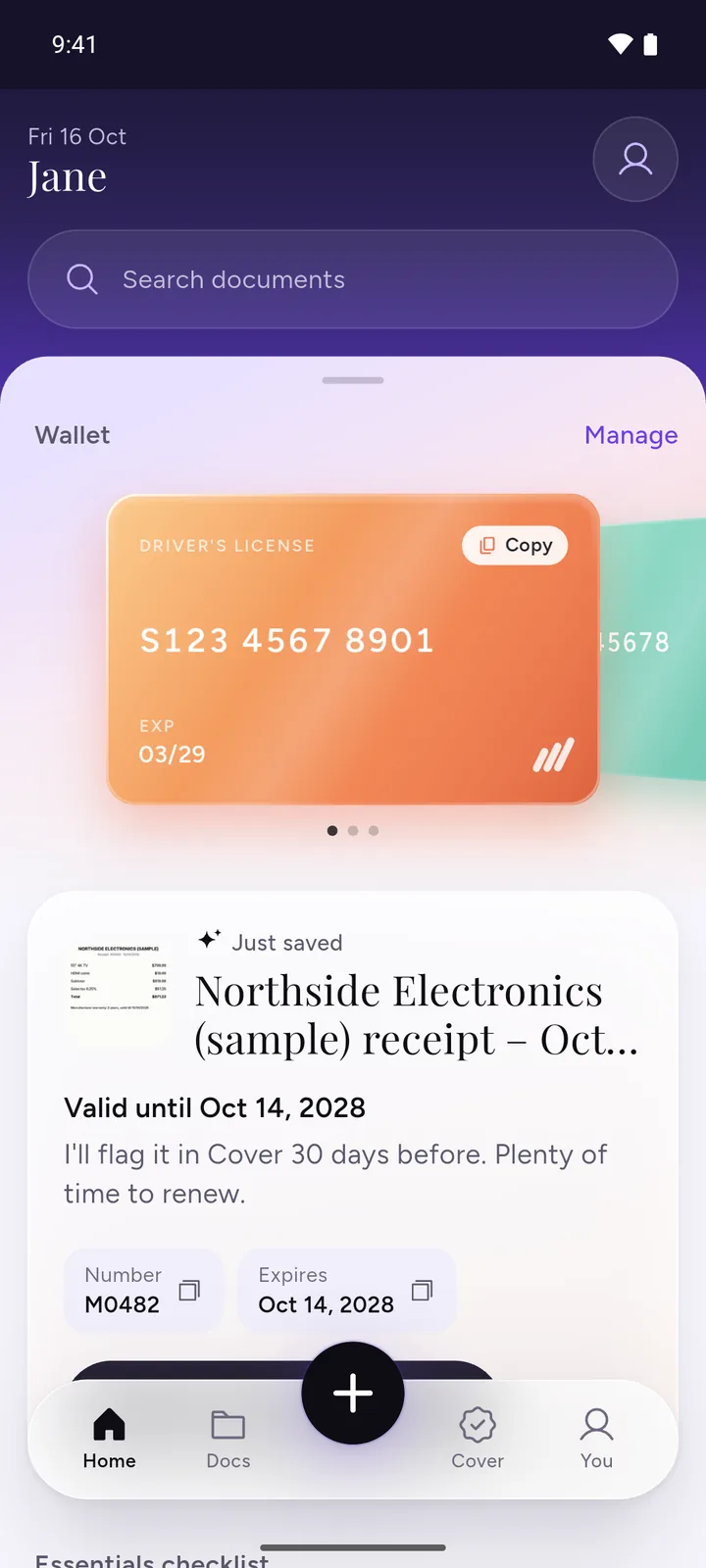
- Scan your PAN card, or import your e-PAN PDF and enter its password once. DocIt reads the card on your phone and suggests the name and ID number. You check them before saving.
- Save it as a PAN card and the number appears in your wallet. Tap it to copy it into a bank form, an app or an email.
- Find it later by name or by the number itself.
The file is encrypted on your phone. DocIt is free on Google Play, on Android. A copy in an app is for your own records. When an official check is needed, use your e-PAN from the official site.
Questions
Is ABCPE1234F a real PAN?
We made it up to show the format. Don't type it into a form or use it to test a website. Every example on this page is fake.
What does the P in my PAN mean?
P in the fourth place means the PAN belongs to an individual person. A company's PAN has C there, a firm or LLP has F, and an HUF has H.
Does my PAN show my date of birth?
No. The ten characters are a letter series, the holder type, an initial, four sequence digits and a check letter. Your date of birth is printed on the card separately.
Can I find my PAN number with my Aadhaar number?
Only in one case we could confirm: if you got your PAN through Instant e-PAN, the Check Status / Download e-PAN option takes your Aadhaar number and an OTP and shows your e-PAN. The Link Aadhaar status check and Verify PAN Status both ask for the PAN first.
Is there a "Know Your PAN" search by name and date of birth?
The old e-filing site had one. The Quick Links on the current portal don't list it (we checked on 4 November 2026). Be careful with other sites that ask for your name and date of birth and promise to show your PAN.
I lost my PAN card. Should I apply for a new PAN?
No. A person may hold only one PAN. Find the number you already have, then download the e-PAN or order a reprint of the same PAN.
Is the e-PAN the same as a PAN card?
The Income Tax Department's e-PAN FAQ calls the e-PAN "a valid form of PAN". It is a PDF with the same number. It is locked with your date of birth written as DDMMYYYY.
Related
- PAN card: apply online, e-PAN, status and Aadhaar link
- Unlock PDF: bank statement, Form 16 and e-PAN passwords
- ITR filing: documents required
- Lost your wallet in India: what to do, card by card
How we checked: the PAN format comes from Protean and the Income Tax Department. The portal steps, Quick Links and helpline numbers were read on the e-filing portal and its user manuals on 4 November 2026. The DocIt part was checked against the app's feature list for version 2.4.4.