
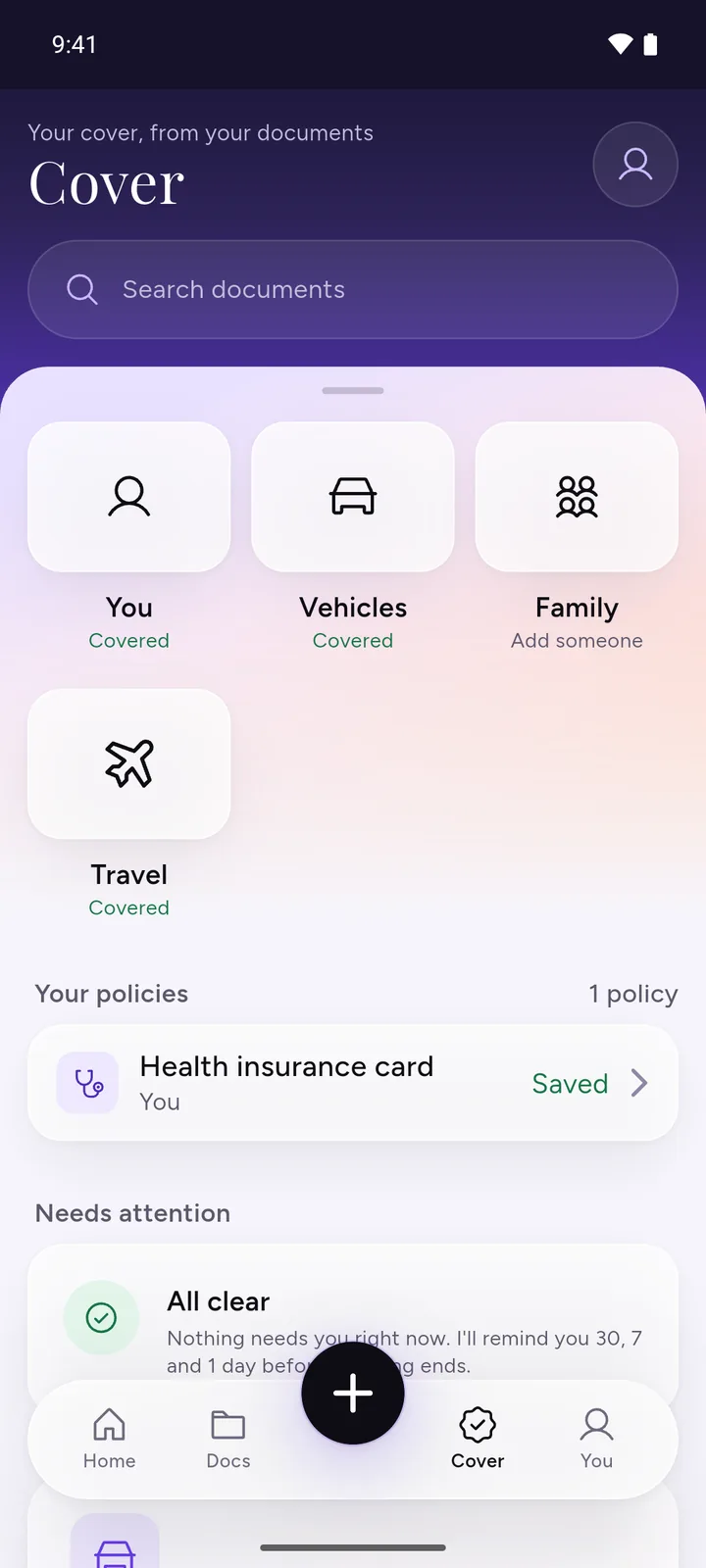
DocIt is a document expiry reminder app for Android. Save a document with its end date and DocIt keeps track of it: a plain status on each document, and phone reminders before the date. It works without an account, and the files are encrypted on this phone.
End dates are easy to miss because nothing ends on the same day. A passport, a driving licence, a car insurance policy and a PUC certificate each run out at a different time, and a missed one can mean a fine, a lapsed policy or a cancelled trip. One app that knows every date saves you typing four calendar entries.
How to track document expiry in DocIt
- Add the document. Scan it, import a photo or PDF, or share it in from another app.
- Check the date. DocIt reads the page on your phone and fills in the expiry date when it finds one, such as "Valid until" on a licence. Fix it if it's wrong, or type it if it's missing.
- Save. If phone reminders are off, DocIt asks "Remind you before it runs out?" Tap Remind me, then allow notifications when Android asks.
- If you said not now, turn reminders on later from You, then Reminders. There's a button there to send a test reminder, so you know notifications reach you.
- When you renew, open the document and update the date, or save the new one. DocIt then watches the new date.
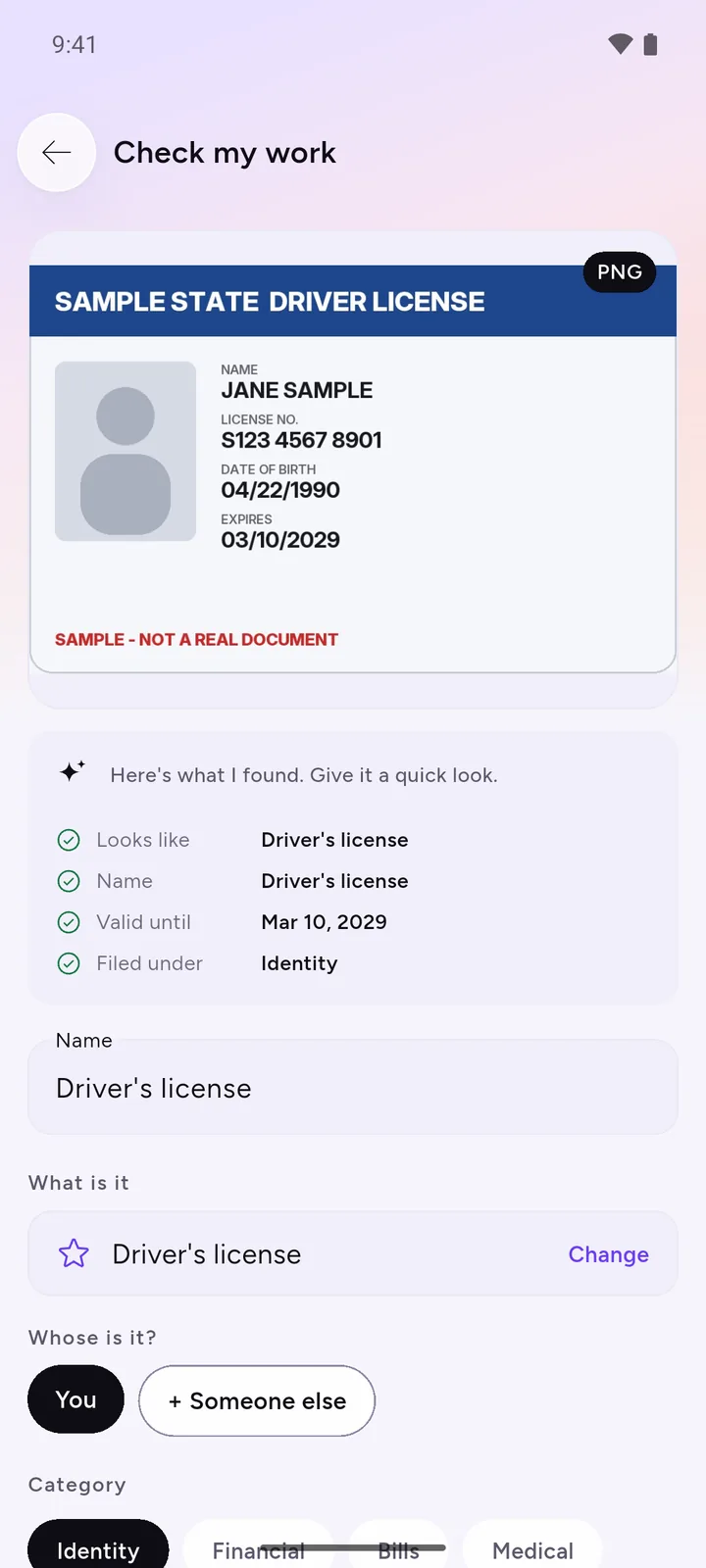
Valid, Expiring or Renew now
Every document with an end date carries one of three words. Valid means more than 30 days are left. Expiring means it's in its last 30 days. Renew now means the date has passed. Documents that need you also show on the home screen, with a button to update the date once you've renewed.

The 30-day line is fixed, and for passports it is short. A passport with five months left still shows Valid, but many countries want six months left when you arrive. Treat the 30-day reminder as a last warning, and read the six-month passport rule before you book travel.
When the reminders come
Once you turn them on, your phone reminds you 30, 7 and 1 day before each end date, at 9 in the morning. You can't change those days. Up to 60 reminders are scheduled at a time.
Reminders are phone notifications. DocIt doesn't send email or text reminders, and you don't sign in for them.
Documents in Notes & study stay out of reminders. If a saved document has a date you don't need a nudge for, move it to Notes & study from its page.
Which documents to track
In India, DocIt shows the 9 documents most Indian families need and which ones you still have to add. In the US, UK, Canada and Australia it shows 6 key documents. Some of them carry an end date and some don't; reminders only cover the ones with a date. Our important documents checklist explains what to keep.
Bills count too. When a warranty end date is printed on a bill, DocIt reads it for you to check, and the bill gets the same reminders. The warranty tracker page covers that, and what to keep for a warranty claim covers the claim itself.
Limits worth knowing
- Nothing arrives until you turn reminders on and allow notifications. If DocIt's notifications are off in your phone's settings, you won't get them.
- Always check a date DocIt reads. A wrong date means every reminder for it is wrong too.
- It reads English and other Latin-script text, not Hindi or other Indian scripts.
- It runs on Android only.
- Files are encrypted with AES-256 on the phone. Names, numbers and dates sit in the app's database without that extra encryption. How DocIt protects your documents.
To keep these documents in categories and folders as well, see DocIt as a document organizer. Questions about a step are on the help page. DocIt is free on Google Play.
Questions
Can I choose when the reminders come?
No. They come 30, 7 and 1 day before the date, at 9 in the morning. There is no setting for other days or earlier warnings.
Why does my passport say Valid when it ends in a few months?
Expiring only starts in the last 30 days. Many countries want more time than that left on a passport when you travel, so check the date yourself before you book.
Do I need to sign in for reminders?
No. Phone reminders work without an account. You only allow DocIt to send notifications.
Can I keep reminders for my parents' documents?
Yes, on your phone. Save their documents in DocIt and mark whose each one is. Their dates get reminders the same way. The reminders come on the phone DocIt is on, not on theirs.
Does DocIt renew documents or check them with the government?
No. It only knows the dates you saved. Renewing is still done with the office, insurer or website that issued the document.