Scanner apps that keep scans on your phone by default include Genius Scan (free Basic plan, optional paid cloud), FairScan (free, open source, Android only) and OSS Document Scanner (free, open source, Android and iOS). Adobe Scan and Google Drive's scanner are free too, but they save your scans to a cloud account. DocIt, which we make, keeps documents encrypted on an Android phone and is on Google Play in the US, UK, Canada, Australia and seven more countries.
Last checked 16 October 2026 against each app's own pages and store listing, listed at the end of this page.
Why people look for an alternative
CamScanner is one of the best-known scanner apps. Its Play Store listing says it has over 300 million users, and it offers OCR, PDF editing, printing and fax. People look elsewhere for different reasons. Some want an app without ads; the Play listing shows that CamScanner contains ads and in-app purchases. Some would rather not create an account or sync to a cloud. And in India, where it was once widely used, CamScanner was one of 59 apps the Ministry of Electronics and IT blocked on 29 June 2020 under section 69A of the IT Act.
If what you care about is keeping scans on your own phone, the questions below matter more than the feature count.
Four questions to ask any scanner app
- Where does the scan go after you tap Save? On the phone only, to the company's cloud, or to a cloud you choose?
- Do you need an account? An account is useful for syncing, but it also means your scans live on someone's server.
- Does it work offline? Cloud-first apps need a connection to save or sync. On-device apps don't.
- How does it make money? Ads, a subscription, a one-off price, or donations. The answer tells you what the app will push you towards.
Six options compared
| App | Where scans are kept | Account | Ads | Price | Platforms |
|---|---|---|---|---|---|
| Adobe Scan | Saved to Adobe Document Cloud automatically | Adobe account, for Document Cloud | No | Free; Plus and Premium subscriptions | Android, iOS |
| Google Drive scan | Your Google Drive | Google account | No | Free; 15 GB shared with Gmail and Photos | Android, iOS |
| Genius Scan | On your device by default; optional Genius Cloud | Not for the free version; Genius Cloud needs Ultra | No | Free Basic; Ultra $39.99 a year | Android, iOS |
| FairScan | On your phone; no built-in cloud | No | No | Free, open source | Android only |
| OSS Document Scanner | On your phone; optional sync to WebDAV, Google Drive or OneDrive | No account mentioned | No | Free, open source | Android, iOS |
| DocIt | On your phone, encrypted (AES-256); no DocIt server | No | No | Free | Android only; 11 countries, not the EU |
Last checked 16 October 2026 against each app's own website, help pages and store listing (sources below). Prices are US prices shown by the vendor; they change, so check before you buy.
The options, one by one
Adobe Scan
A polished scanner from the maker of Acrobat, with OCR, a magic eraser for shadows and fingers, and AI summaries of scans. Adobe's listing says scans are automatically saved to Adobe Document Cloud, so you can open them on a computer too, and opening a PDF in the app uploads it to Document Cloud. That suits people who already use Acrobat. It is the opposite of keeping scans only on your phone. The core app is free; Plus and Premium subscriptions unlock editing, export, combining and compression.
Google Drive's built-in scanner
If you have Drive on your phone, you already have a scanner. Tap Camera at the bottom right, and Drive crops, cleans up and saves the scan as a PDF to a Drive folder you pick. It costs nothing extra and needs no new app, but every scan goes into your Google account and counts towards the free 15 GB shared with Gmail and Google Photos. It's a good choice when you want copies in the cloud; it isn't an on-phone option.
Genius Scan
Made by The Grizzly Labs in Paris, Genius Scan says documents are processed and stored on your phone unless you decide to export them, and its help pages say that by default documents are only stored on your device. The free Basic plan gives unlimited scanning. Ultra, at $39.99 a year, adds OCR, export to cloud services and Genius Cloud, an optional backup and sync service. It has biometric unlock and PDF encryption. A strong choice if you also want PDF merging and splitting.
FairScan
A free, open-source scanner that describes itself as having no ads, no tracking and no built-in cloud. Scans are processed on the phone and it doesn't upload or sync them; you choose where the PDF is saved. The only use of the internet is an optional download of OCR languages. It focuses on doing one thing well: a clean, searchable PDF in a few seconds. Android only.
OSS Document Scanner
Another free, open-source scanner (MIT license), available on Android and iOS. It does edge detection, filters, OCR with downloadable offline models, folders and password-protected PDFs. If you want copies elsewhere, it can sync to WebDAV, Google Drive or OneDrive. Its Play listing says it collects no data.
DocIt
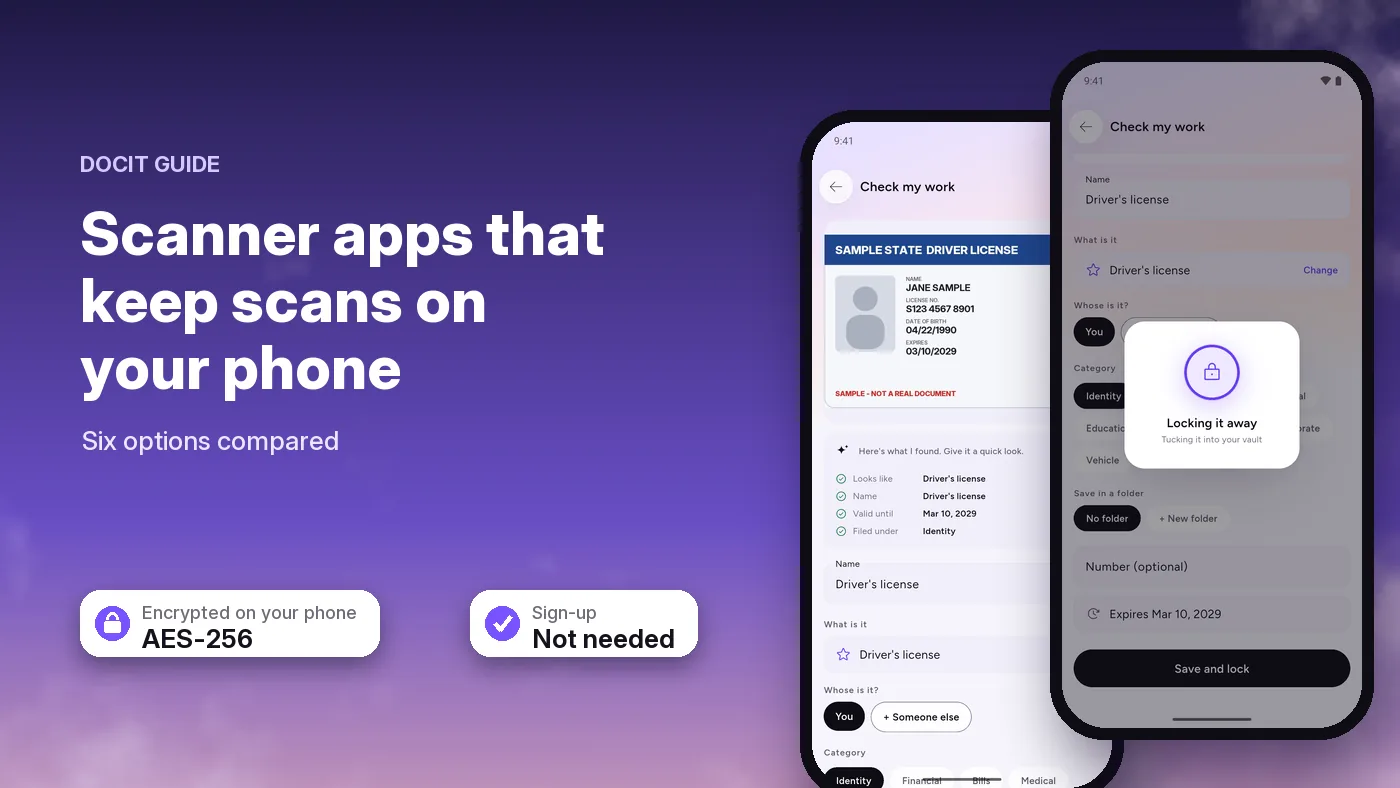
We make DocIt, so read this part with that in mind. DocIt is built for keeping important documents rather than for making PDFs: IDs, insurance, vehicle documents, bills and warranties. When you scan a document, it reads it on the phone and fills in the name, ID number and expiry date for you to check. Files are encrypted on your phone with AES-256, and the app can be locked with your fingerprint or PIN. There's no sign-up, no ads, and we have no server, so your documents never reach us. Its home screen shows what is expiring, and it can remind you on your phone 30, 7 and 1 day before an expiry date. You can scan up to 20 pages into one PDF, import photos and PDFs, and sort them into folders.
The scanner itself is Google's ML Kit document scanner, the same kind of on-device scanner many Android apps use. It needs Google Play services and a one-time download the first time you use it. Google's ML Kit sends Google basic diagnostics, such as device model and error codes, but not the content of your documents. Reading and encryption happen on the phone and work offline.
What DocIt doesn't do
- Android only. There's no iPhone app.
- Some countries only. It is on Google Play in the US, UK, Canada, Australia and seven more countries, not yet in the EU.
- No PDF tools. It can't merge, split, compress, sign or edit PDFs, or add passwords to them. Genius Scan, OSS Document Scanner and Adobe Scan do some or all of these.
- Search covers names and numbers. You can find a document by its name, type or ID number, not by a word inside it. FairScan and Genius Scan make searchable PDFs.
- Latin script only. It reads documents printed in English-style letters, not scripts such as Arabic, Devanagari or Chinese.
Which one fits you
- You want scans on a computer and in the cloud: Adobe Scan or Google Drive.
- You want a full-featured scanner that stays on your phone, on Android or iPhone: Genius Scan or OSS Document Scanner.
- You want the simplest on-phone PDF scanner, open source: FairScan.
- You want your IDs, policies and bills kept encrypted on your phone, with expiry dates watched for you: DocIt, if you're on Android.
If you only scan now and then, you may not need a new app at all: how to scan documents with your Android phone shows the scanners already built into Google Drive, Files by Google and Samsung phones.
Whichever you pick, lock your phone with a PIN or fingerprint and keep it updated. That protects your scans more than any single app setting.
Where to keep your important documents on your phone · DocIt's offline document scanner · How DocIt protects your documents, and its limits · Google Drive, Adobe Scan and Files by Google: where each keeps your documents
Sources
All checked on 16 October 2026.
- CamScanner on Google Play (users, features, contains ads, in-app purchases)
- Press Information Bureau, 29 June 2020: Government bans 59 mobile apps
- Adobe Scan on Google Play and on the App Store (Document Cloud saving, subscriptions)
- Google Drive Help: scan documents and Google One Help: 15 GB of storage
- Genius Scan pricing, Where are my documents stored? and Genius Scan on Google Play
- FairScan and FairScan on Google Play
- OSS Document Scanner on GitHub and on Google Play
- Google ML Kit: data disclosure