How it works
- Choose your photo and where it’s for.
- Line your face up with the guide.
- Download the photo or a print sheet.
From the makers of these tools
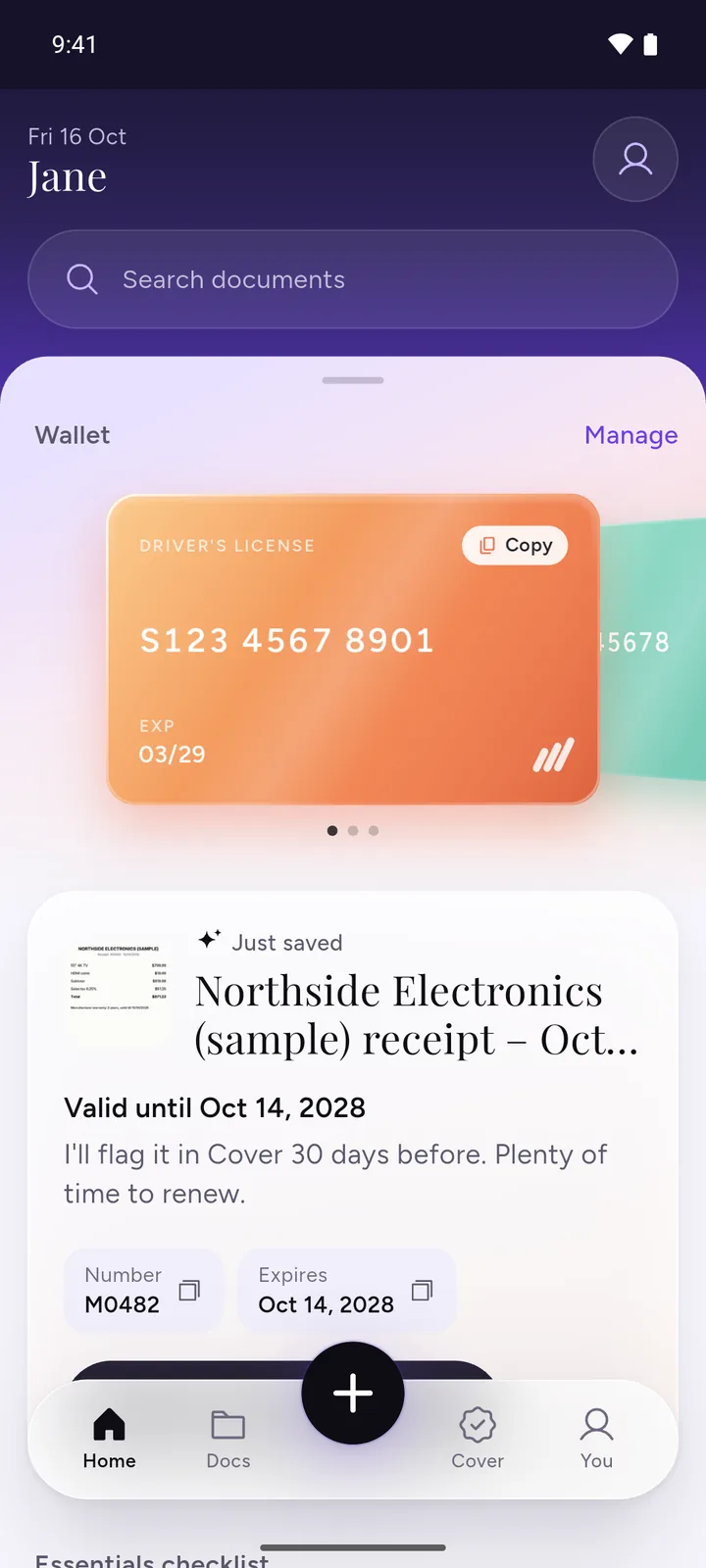
All your documents, safe on your phone
IDs, insurance, bills and warranties in one app, with a reminder before anything expires.
- ScanPoint your camera. It crops the page for you.
- RememberReminders 30, 7 and 1 day before expiry, once you turn them on.
- PrivateEncrypted on your phone. No ads, no sign-up.
 Download DocIt free
Drag to move the photo and zoom until your chin sits on the line and the top of your head is inside the shaded band. For India there’s no band: fill most of the frame with your head and shoulders.
Sizes and where they come from
| Photo for | Size | Official rule |
|---|---|---|
| US passport | 51 × 51 mm (2 × 2 in), 600 × 600 px; head 25 to 35 mm | travel.state.gov: Passport photos |
| Australian passport | 35 × 45 mm, 413 × 531 px; head 32 to 36 mm | passports.gov.au: Photo guidelines |
| Indian passport, applying abroad | 630 × 810 px (upload) | Embassy of India, Manila: ICAO photo guidelines |
Checked 2 November 2026. Rules change, so check the official page before you apply. For a UK passport, use a photo booth or shop, or the online service’s own photo step.
Questions
What size is a US passport photo?
2 x 2 inches (51 x 51 mm), with your head between 1 and 1.4 inches (25 to 35 mm) from chin to top of head. The State Department also asks for a plain white or off-white background, glasses off, and a photo taken in the last 6 months. Choose "US passport" and the tool makes a 2x2 photo at 600 x 600 px. Source: travel.state.gov.
Can I make a UK passport photo here?
No. GOV.UK says a printed photo must not be a cut down version of a larger picture, and the online service asks you not to crop your digital photo, so a cropping tool can’t make one that meets the rules. For a UK passport, use a photo booth or shop, or the online service’s own photo step. Source: GOV.UK photo rules.
What size is an Australian passport photo?
35 to 40 mm wide and 45 to 50 mm high, with your face 32 to 36 mm from chin to crown. The tool makes a 35x45 photo, the smallest allowed size. Be aware that the Australian Passport Office recommends a professional photo provider and does not recommend online photo services or apps. Source: passports.gov.au.
What photo do I need for an Indian passport from abroad?
Since 1 September 2025, Indian missions abroad accept only ICAO compliant photos: a colour digital photo of 630 x 810 pixels, white background, with your face taking up 80 to 85% of the photo. It is uploaded, so there is no print sheet for this one. Indian missions ask that the photo is not altered by software: this tool only crops and resizes, with no retouching. Check the mission’s current rules. Applying in India? The Passport Seva Kendra takes your photo at the counter. Source: Embassy of India, Manila (PDF).
Why is there no Canada or Schengen visa size?
Canada says passport photos must be taken in person by a commercial photographer or photo studio, so a photo you make yourself won’t do (canada.ca). For a Schengen visa there is no single official size: each consulate sets its own, so check the page of the consulate you’re applying to.
Can I print it at home or at a photo shop?
Yes. The print sheet is a standard 4x6 in (10 x 15 cm) photo at 300 DPI with several copies and cut lines. Order it as a 4x6 print at a photo shop, or print it at home on photo paper at 100% size, not "fit to page". Measure one copy with a ruler before you cut. The US asks for glossy or matte photo paper.
How do I get the background and lighting right?
Stand in front of a plain light wall: white or off-white for the US, white or light grey for Australia, white for India. Use even light from the front so there are no shadows on your face or behind you. Look straight at the camera with your head level, eyes open and mouth closed, and take glasses off. Ask someone else to take it, and don’t use filters or edit your face: India says photos must not be changed with software.
Is my photo uploaded?
No. Your photo is opened, cropped and saved inside your browser, on your own device. It isn’t sent to DocIt or anyone else, and nothing is stored once you close the page.
Does it remove the background or check my face?
No. There’s no automatic background removal and no face check. The tool sizes and crops your photo to the official size, so start with a photo taken against a plain light wall in good light.
Will my photo be accepted?
Nobody but the passport office can promise that. This tool gets the size and head position right, but things like lighting, expression and background are down to the photo you start with. Check the official rules before you apply; each answer above links to them.
Related tools
- Compress image to KBShrink a photo to 20, 50 or 100 KB for a form.
- Resize imageSet the exact size a form asks for.
- HEIC to JPGConvert iPhone HEIC photos to JPG that any form accepts.